Redmi A3 (4GB - 64GB)
Couldn't load pickup availability

Alert me if this item is restocked.
We often restock popular items or they may be returned by the other customers. If you would like to be notified when this happens just enter your details below.
Redmi A3 (4GB - 64GB)
We respect your privacy and don't share your email with anybody.
Alert me if this item is restocked

Why buy from Us

Door-to-door standard delivery


Alert me if this item is restocked.
We often restock popular items or they may be returned by the other customers. If you would like to be notified when this happens just enter your details below.
Redmi A3 (4GB - 64GB)
We respect your privacy and don't share your email with anybody.
Alert me if this item is restocked
Thank you, we have now received and recorded your request to be notified should Redmi A3 (4GB - 64GB) be restocked.
We will only use your email for this purpose.

Specs

A Budget Device That is Actually Thoughtful
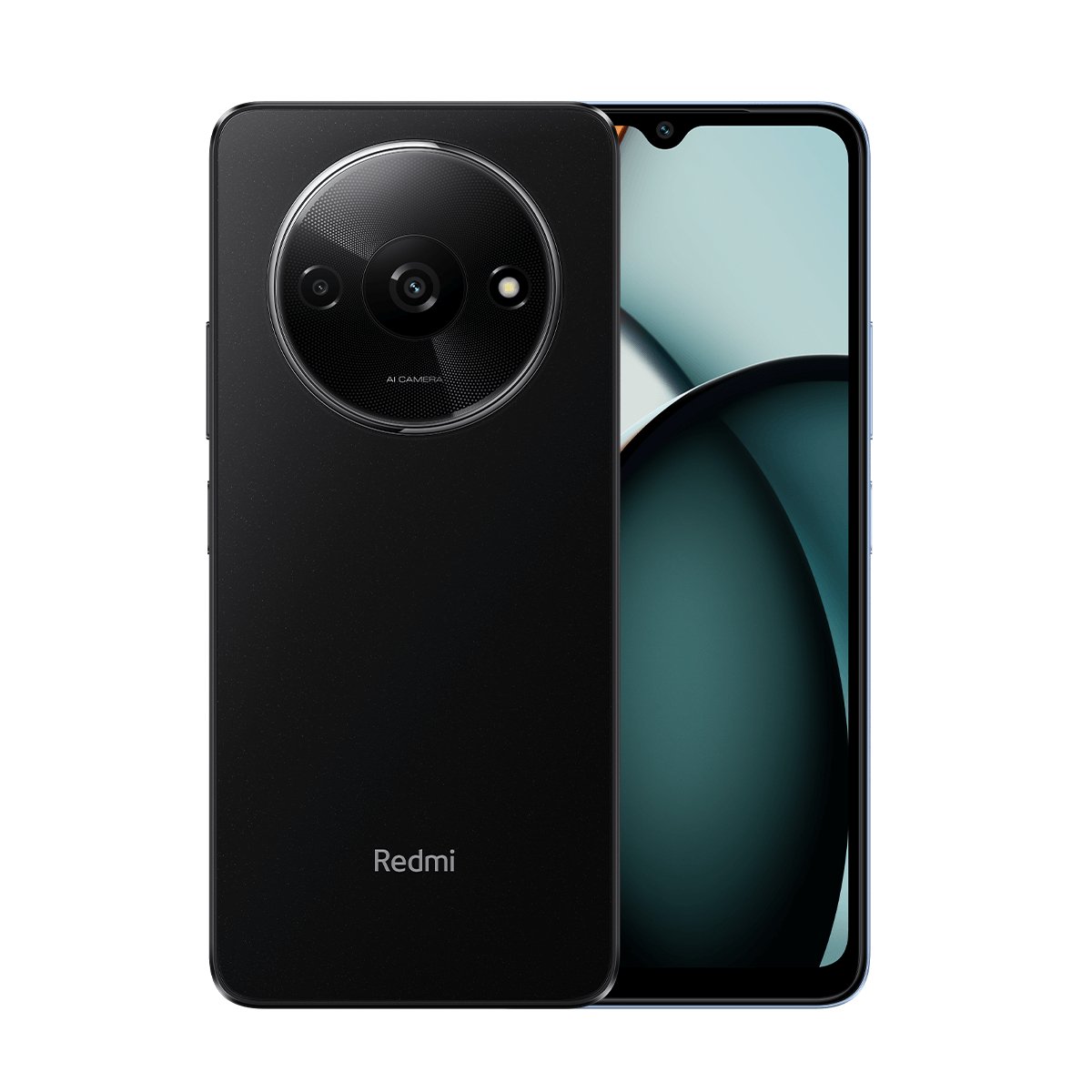
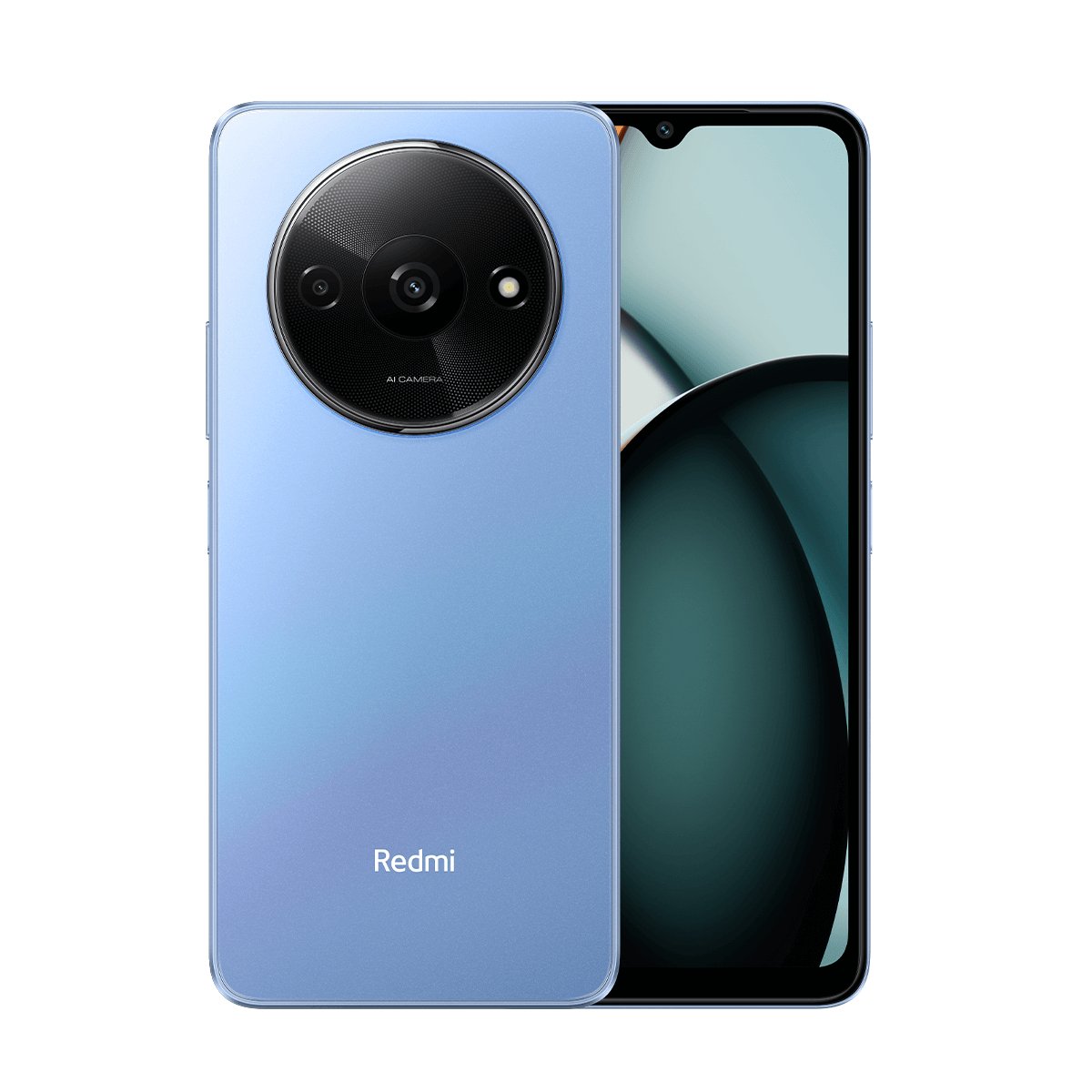
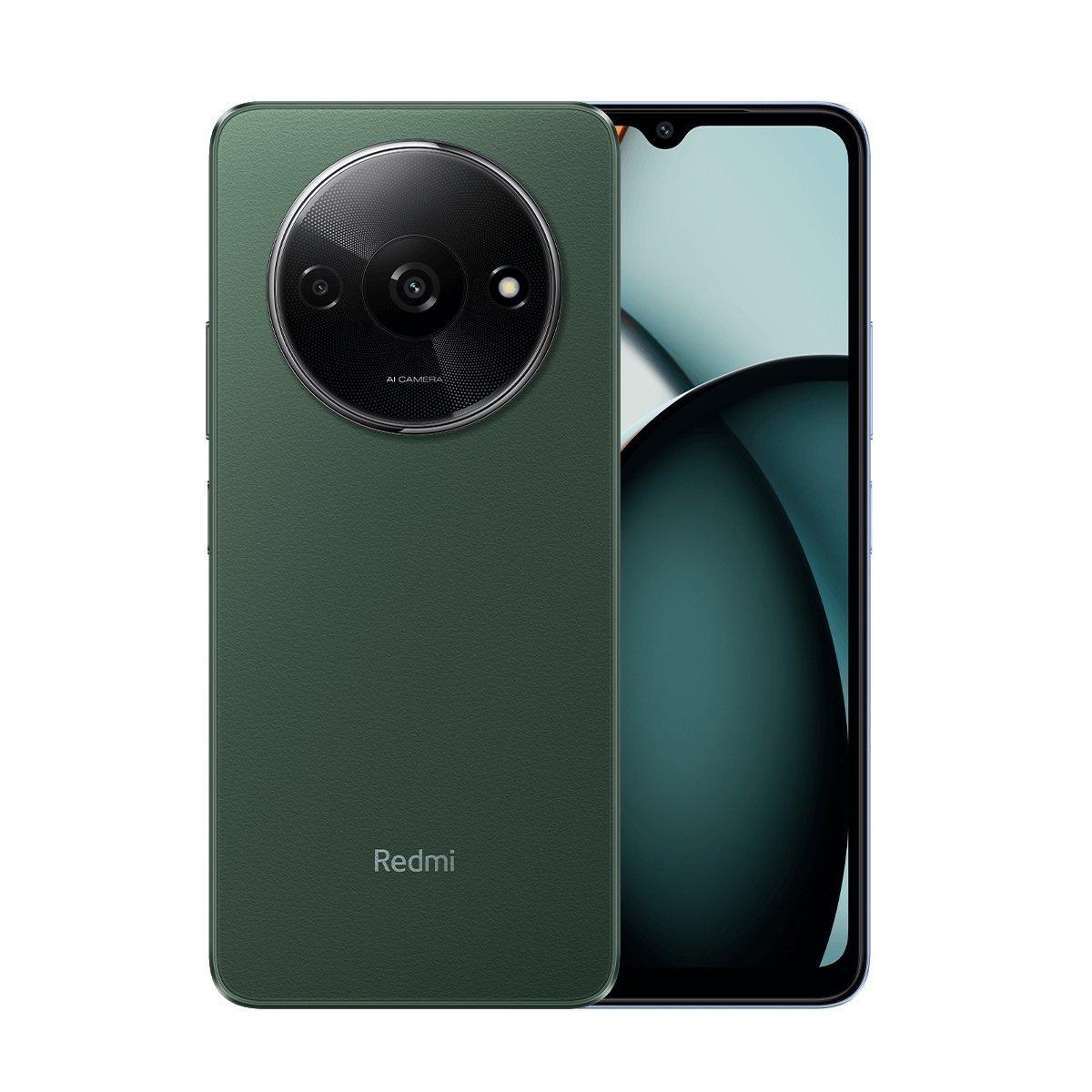
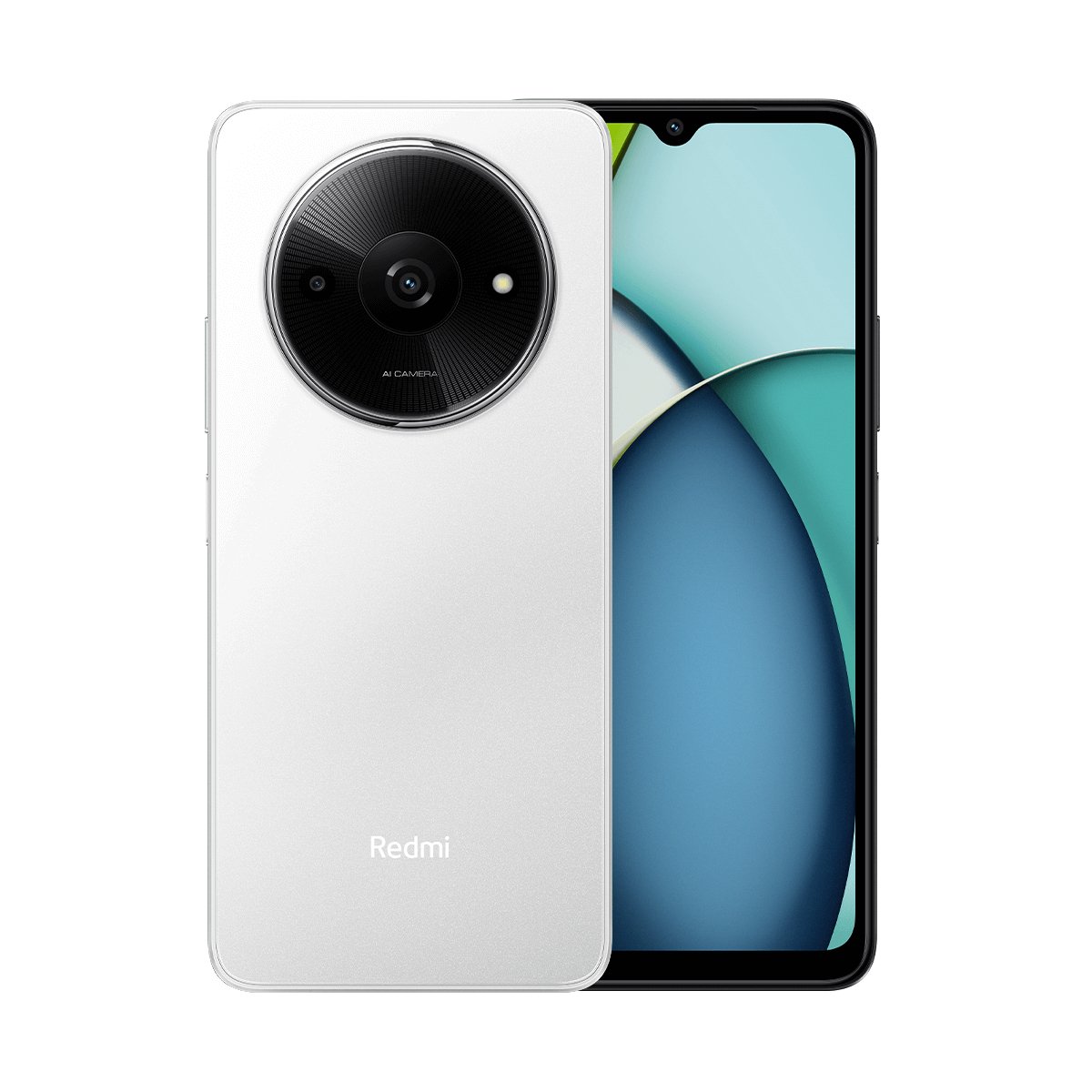
The Redmi A3 is one of those phones that doesn’t try too hard but still catches the eyes of the buyers. It looks clean, feels light and doesn’t look like a budget phone at all. After its previous model Redmi A2 Plus, Xiaomi clearly aimed to fix small gaps and offer something more balanced.
It sits nicely between older entry-level phones and newer options like the Redmi A5. The phone is a sensible choice for users who want stability without jumping too high in price. No exaggeration, just a device that works the way most people expect it to.
Display - Smoother Than You’d Expect
One thing that everybody notices straight away is the screen. A3 comes with a large display that feels comfortable for daily scrolling, videos and casual gaming. The screen has a resolution of 1650 x 720 which we think is very common now. The 90Hz refresh rate is the most impressive thing about its display because it is rare at this price range.
It is good for at least daily scrolling, switching and light gaming. Also, the 90% screen-to-body ratio makes it a good phone for YouTube and movie lovers. Colors look decent. Text stays sharp. For most users, that’s more than enough.
Stable Everyday Performance With Redmi A3
This Redmi phone won’t cause any problem speed-wise. The MediaTek Helio G36 processor keeps this thing running. Apps open without struggle. Social media runs smoothly. Light games don’t cause heating or stutter.
For daily users who don't require the top-notch performance like Redmi note 14 Pro, this octa-core chipset is perfect. This variant also offers the 8GB RAM extension for better multitasking. It seems Xiaomi focused more on stability than flashy features.
Redmi A3 Camera for Casual, Everyday Moments
The camera setup on this budget-friendly device is simple and realistic. It’s meant for daily photos, not professional photography. In good lighting, pictures come out clear and usable. Social media shots look fine. Video calls stay sharp enough.
This phone won’t replace a flagship camera and it doesn’t need to. For quick photos, documents and memories, it does the job without fuss. If you want something better and newer, check the Redmi 15 price in Pakistan.
Battery Life That Keeps You Relax
The phone comes with the battery capacity that offers enough power to last a complete. Its 5000mAh battery offers 29 hours of calling and 17 hours of video playback. Which we think is ideal for normal users. You can watch videos, browse social media and stay connected with optimized power management.
The phone supports 10W Type-C charging that offers a quick recharge every time you plug in. You can also check Redmi A3x from our site to see the difference yourself.
Who should Buy Redmi A3
The balance between budget and specs is ideal for Redmi A3. It serves all essential features to make it useful for daily life. Featuring a display of 6.78 inches, with 90Hz refresh rate puts it in the category of a good handset for the average user who uses a cellphone for connectivity purpose only.
With 5000mAh battery this handset can serve good purpose for:
- Students
- Housewives
- Day-to-day users
- User who need strong battery support
- Budget-conscious user
- Plus, it’s ideal for the Non-PTA iPhone users who are looking for a smartphone to connect their SIM.
Why Redmi A3 Is Better Than Competitors
Exploring budget friendly phones, you may encounter multiple brands like Redmi, Infinix, Tecno, or Vivo phones. All of these offer multiple smartphone options under 20,000 or 30,000 as well. However, among all the options, Redmi A3 takes the lead. You will find unmatched features in such a low budget.
It's equipped with specs that are essential in routine usage of a phone, like big display, good processor, sleek design and powerful battery. If you slightly raise the budget and are looking for an improved variant, Redmi A7 Pro is a sleek option. It comes with Mali-G57 processor and a 6000mAh powerful battery. Grab it today before it gets out of stock.
Buy Online in Pakistan from Xiaomi Sale
We offer the best Redmi A3 price in Pakistan and that makes this phone even more appealing. Pakistani users who want a Redmi smartphone under 30,000 PKR, this model is worth checking. It is not trying too hard. It’s just being reliable. And in this price range, that matters more.
If you want a phone that looks decent, runs smoothly and doesn’t demand constant attention, this device is a sensible choice. You can order it now from Xiaomi Sale and get it delivered right at your doorstep. We offer only genuine Xiaomi products backed with complete warranty.
Read Redmi A3x vs Redmi A3 in detail here!
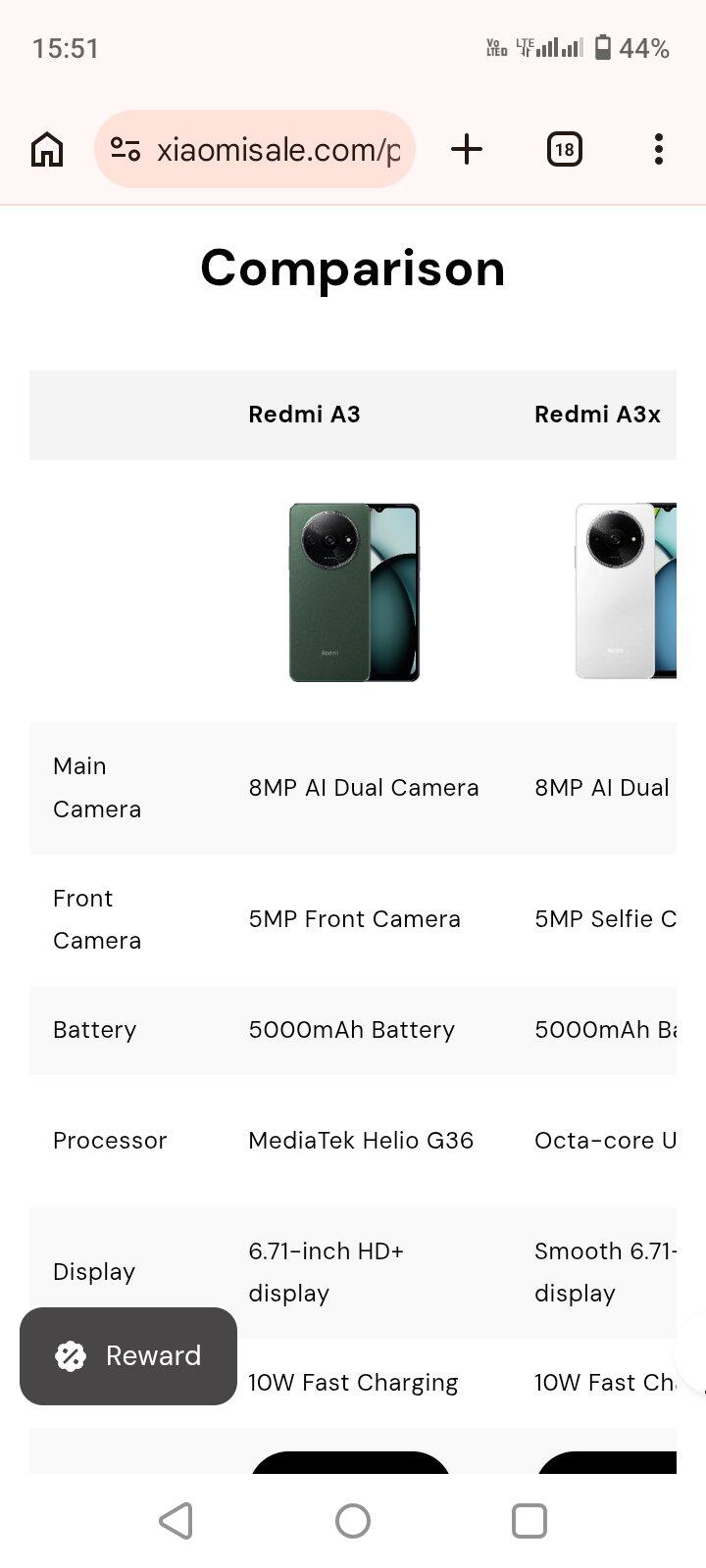
Comparison
| Redmi A3 | Redmi A3x | Redmi A5 | |
|---|---|---|---|
 |
 |
 |
|
| Main Camera | 8MP AI Dual Camera | 8MP AI Dual Camera | 32MP Main Camera |
| Front Camera | 5MP Front Camera | 5MP Selfie Camera | 8MP Selfie Camera |
| Battery | 5000mAh Battery | 5000mAh Battery | 8MP Selfie Camera |
| Processor | MediaTek Helio G36 | Octa-core Unisoc T603 | UNISOC T7250 processor |
| Display | 6.71-inch HD+ display | Smooth 6.71-inch 90Hz display | 6.88” HD+ Large Display |
| Charging | 10W Fast Charging | 10W Fast Charging | 15W fast charging |
| View More | View More | View More |